
Project Management Software: All Your Team's Work on One Platform
Task assignment, timelines, file sharing and approval flows in one place. Import your Excel list and your team starts the same day.
We set up your first project with you · Local support, KVKK-compliant
- Your Whole Team, One PlatformTasks · time · files · approvals in one place
- Easy Migration from ExcelImport your list · start the same day
- KVKK & Role-Based SecurityPermission-based access · audit log
- Cloud-BasedNo installation · always up to date
Built for Performance, Designed for Teams
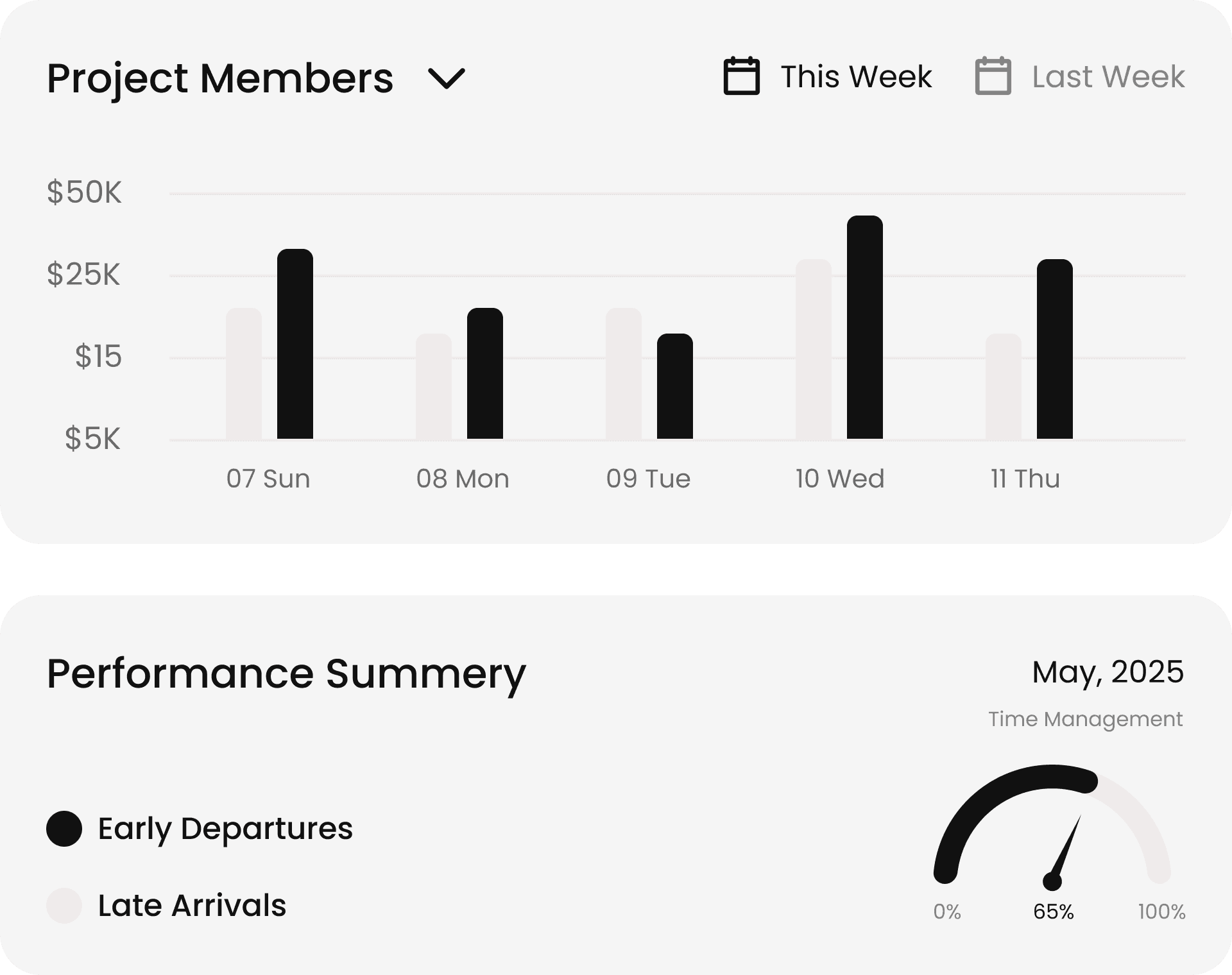
From smart task assignment to powerful analytics, unlock features designed to accelerate your team's success.
Cut status meetings to 30 seconds: late, done and at-risk work at a glance.
The owner is notified the moment a task is assigned — no more "nobody told me".
Transform Your Workflow with Blesyum
Streamline processes, automate tasks, and boost productivity with our intelligent workflow optimization platform.
24/7 Customer Support
Real-Time Sync
Offline Access
Quick Task Search
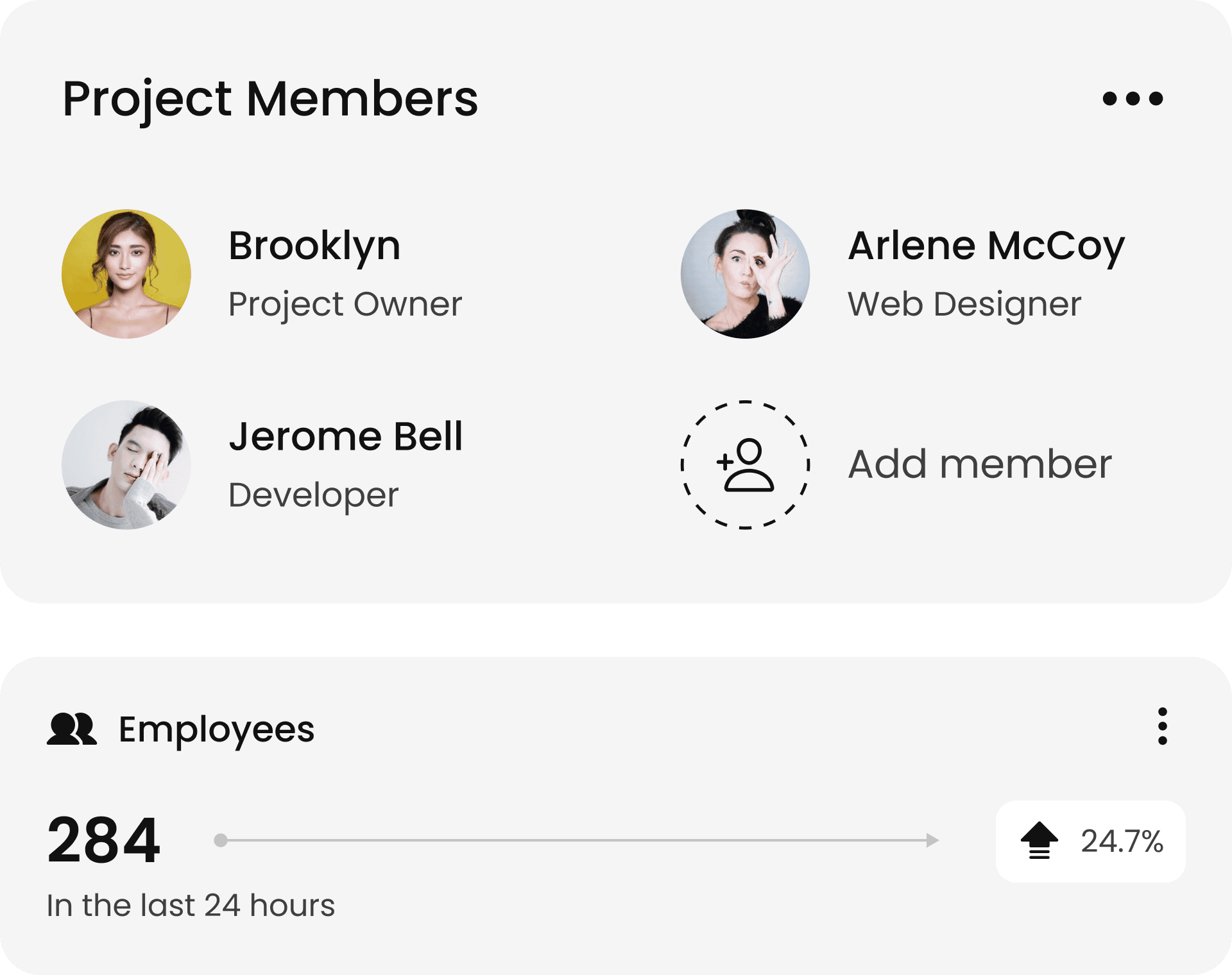
Compatible with every business goal
Create, assign & track tasks across teams to keep every project organized.
Schedule posts, track engagement and manage all your social accounts with ease.
Automatically generate and send invoices based on completed sales.
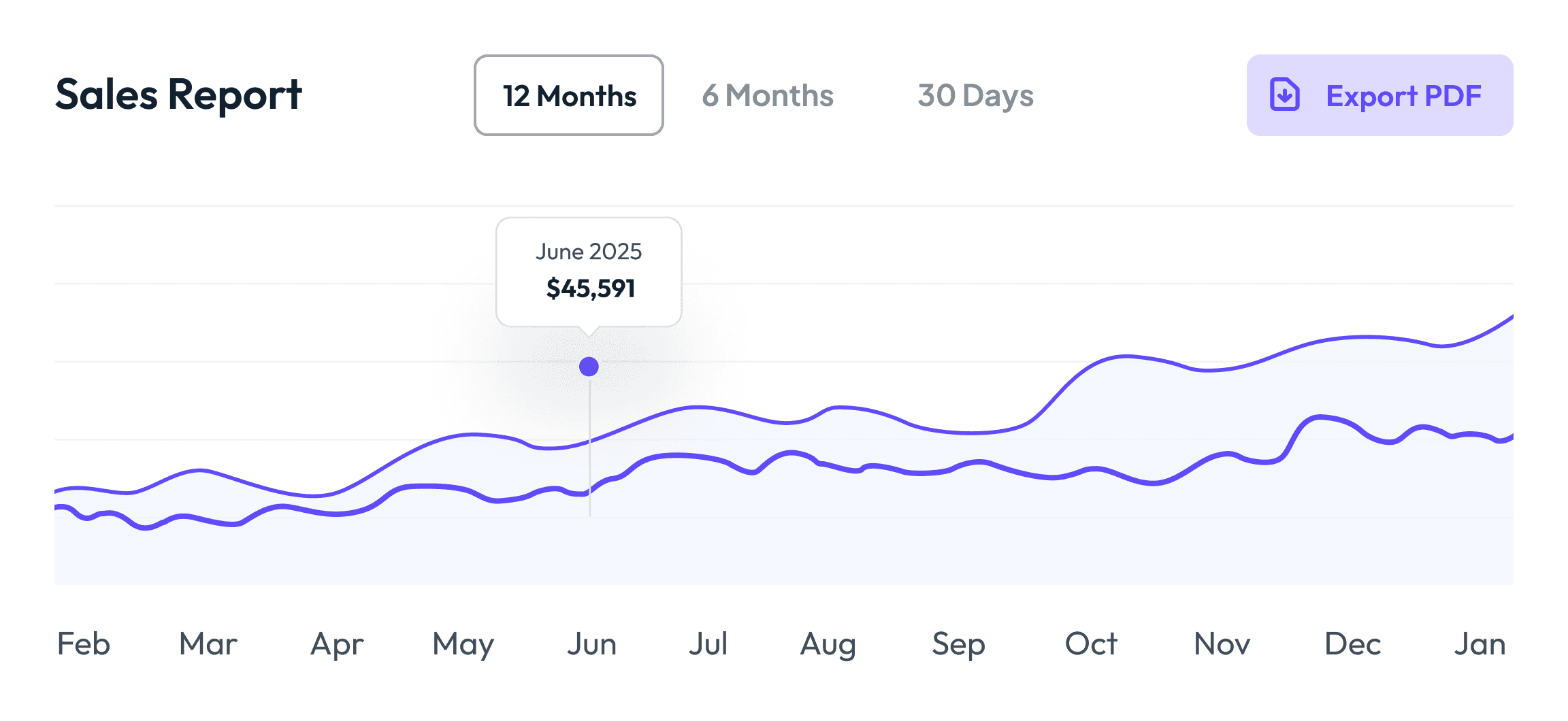
Access up-to-the-minute insights about sales, projects and customer interactions. Build reports tailored to your specific needs.
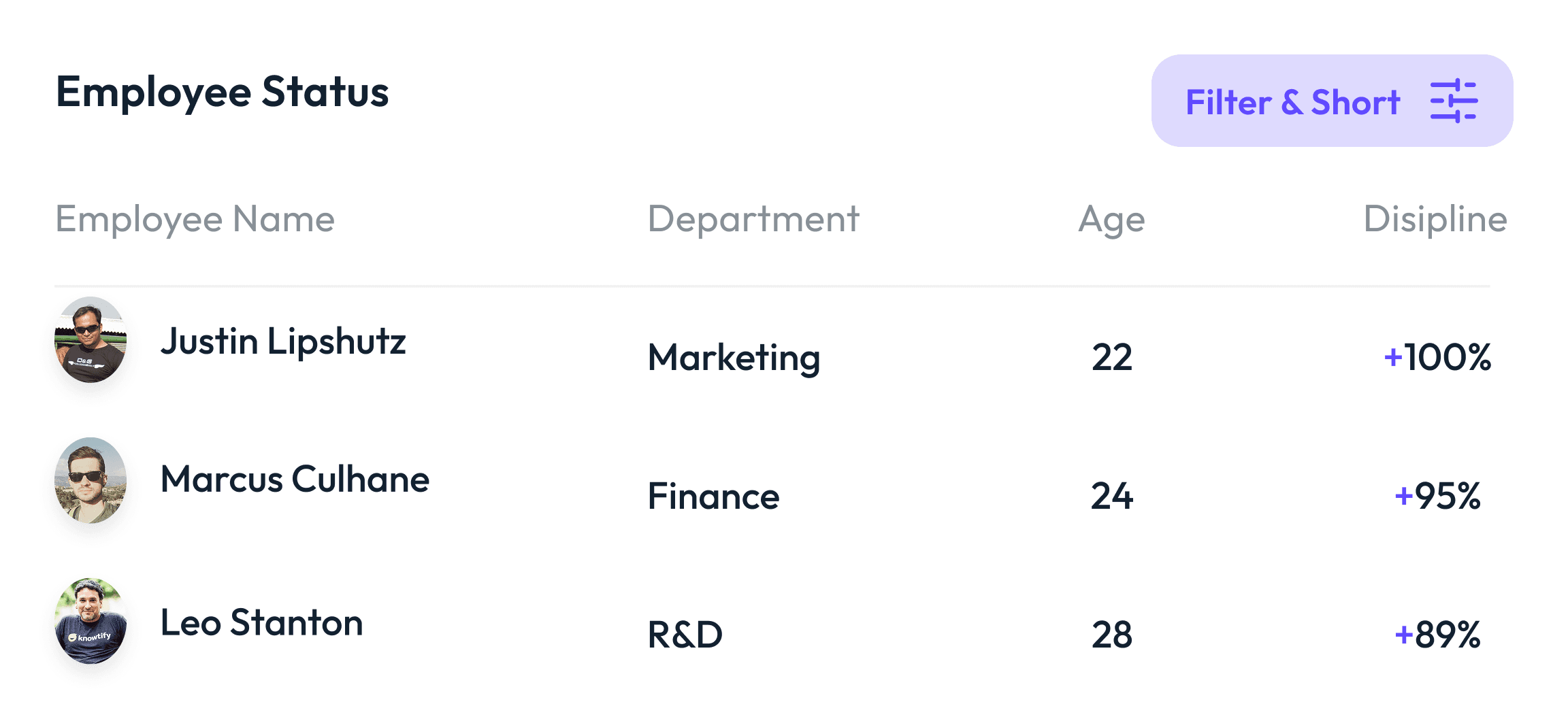
Store employee data, track time off and run payroll seamlessly — with tax compliance, direct deposit and benefits.
Connect seamlessly with popular apps like Google Workspace, Slack, QuickBooks and more.
Transform Complex Tasks into Simple Workflows
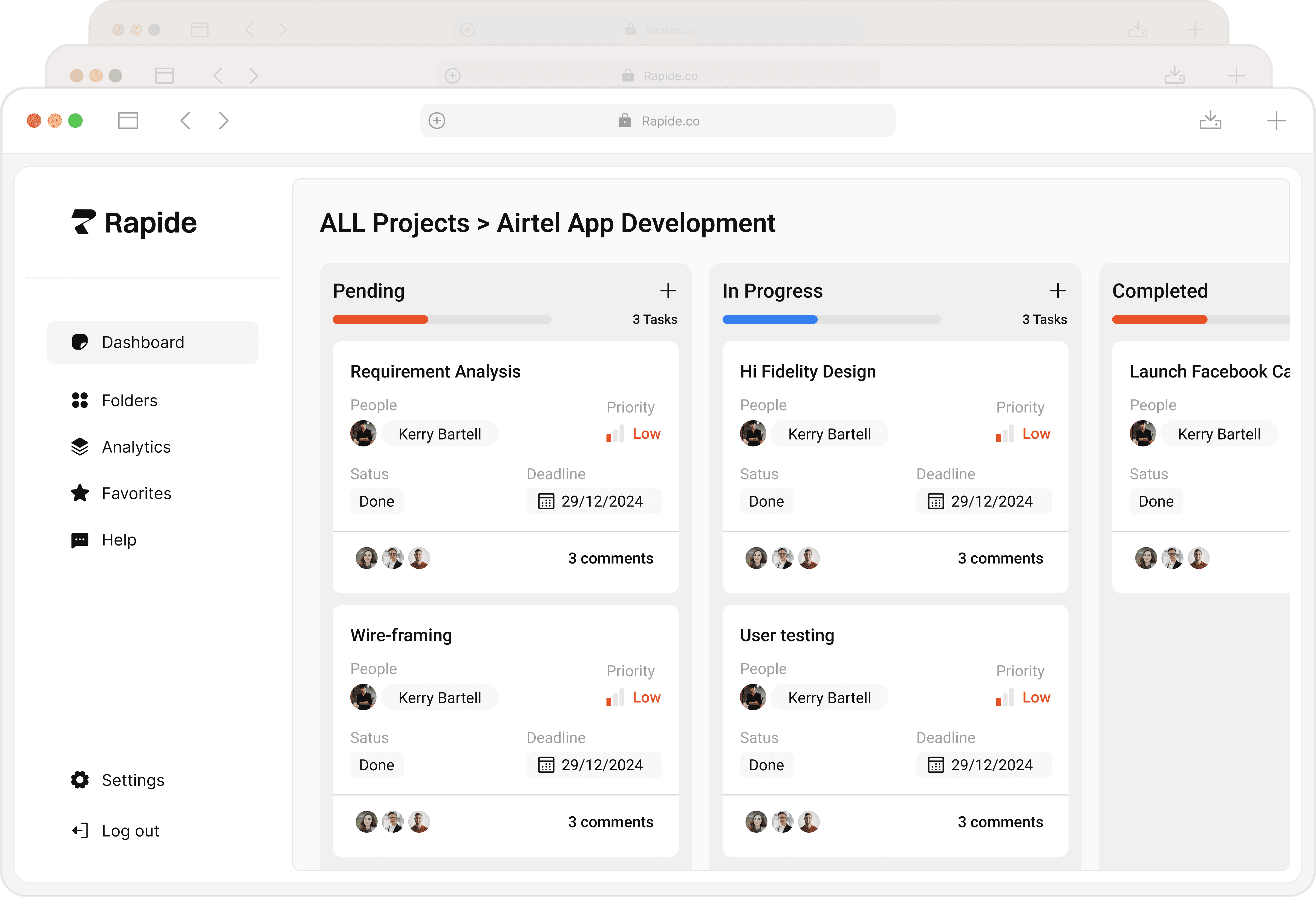
Automated scheduling and smart reminders keep your team focused.
Real-time updates and file sharing for seamless teamwork.
Track deadlines, monitor progress and spot bottlenecks instantly.
Turn project data into actionable insights for better results.
Seamlessly sync with your favorite tools and existing workflows.
Multi-layer security keeps your data private and protected.
Everything, in one list.
Every capability this product covers — by category, in one list.
Unlimited Projects · Project Templates · Portfolio / Program View · Project Phases · Milestones · Project Health Status · Project Cloning & Archive · Project Folders & Tags · Custom Project Fields
Task Assignment & Owner · Subtasks · Task Dependencies · Priorities & Labels · Recurring Tasks · Checklists · Bulk Editing · Task Templates · “My Tasks” View
List View · Kanban Board · Calendar View · Gantt / Timeline · Workload View · Table (Sheet) View · Custom & Saved Views · Drag-and-Drop Planning
Task-Based Time Tracking · Timer & Manual Entry · Timesheet · Estimated vs Actual · Billable Hours · Attendance & Overtime Report · Missing-Time Reminder
Task Comments & @Mentions · Activity Feed · In-App & Email Notifications · Real-Time Updates · Guest / Client Access · File & Screenshot Sharing · Emoji Reactions & Likes · Team Announcements
File Attachments & Preview · Version History · Document / Wiki Pages · Cloud Storage Connection · Folder Structure · File Access Permissions · Full-Text File Search
Custom Workflow Statuses · Approval Steps · Automation Rules · Forms & Intake · Auto-Assignment · SLA & Escalation · Status Transition Rules · Recurring Workflows
Team & Role Management · Capacity / Workload Planning · Resource Assignment · Department / Team Structure · Leave & Availability · Skill Tags · Overload Alert
Project Budget · Expense & Cost Tracking · Billable / Non-Billable · Hourly Rate & Pricing · Budget vs Actual · Invoice Draft & Export · Profitability View
Ready Dashboard Templates · Custom Dashboard Builder · Project Progress Report · Workload & Capacity Report · Time & Budget Report · Burndown / Burnup Chart · Goals & KPI Tracking · PDF / Excel / CSV Export · Scheduled Reports
AI Project Summary · Smart Priority & Estimates · Natural-Language Task Creation · Risk & Delay Early Warning · Auto Status Suggestions · Tasks from Meeting Notes
Blesyum ERP & CRM Integration · HR & Payroll Connection · Email & Calendar Integration · Slack / Teams Notifications · Open REST API & Webhooks · Role-Based Permissions · Single Sign-On (SSO) · Two-Factor Authentication (2FA) · KVKK-Compliant Data & Audit Log · Automatic Backups
Frequently asked questions about project management
Everything you need to know about Blesyum Project Management — from setup and data migration to security and pricing. Can't find your answer? Get in touch and our team will get back to you shortly.
What exactly is Blesyum Project Management, and who is it for?
Blesyum Project Management is project and work tracking software that brings your projects, tasks, files and approval flows together on one platform. Unlike scattered spreadsheets and chat groups, the whole team works from the same up-to-date plan. It scales from single-team businesses to multi-department organizations — agencies, consultancies, manufacturing and service companies alike.
Can we migrate our existing Excel lists?
Yes. You can bring your existing project and task lists in via Excel/CSV import — rows become tasks. Our team helps with field mapping and data cleanup during onboarding, so you don't start from scratch.
How long does it take the team to adopt? Is training required?
The interface is simple and requires no technical knowledge. Most teams start the same day after a short setup and walkthrough. The Blesyum team supports you through setup, training and your first project configuration.
Does task tracking mean monitoring employees?
No. Blesyum Project Management tracks the work, not the person: the goal isn't screen monitoring but making each task's owner, date and status transparent for everyone. That clarity reduces the reporting burden on the team and builds trust.
Is our data secure?
Yes. Role-based permissions ensure each user only accesses the projects and data they're authorized to. Your data is stored on secure infrastructure, backed up regularly, and managed with KVKK-compliant processes. Single sign-on (SSO) and two-factor authentication (2FA) are also available on the top tier.
Does it work together with Blesyum ERP and CRM?
Yes. Project Management is a separate product, but it works integrated on the same data as other Blesyum products: it connects to your finance and operations data through ERP, to client projects through CRM, and to resource and payroll planning through HR. It connects with whichever products you own; work produced in projects flows through the same platform, from quote to invoice.
Which views are available — can I use Kanban, Gantt and calendar?
You manage your tasks with list, Kanban board, calendar and Gantt (timeline) views. You can track the same work across different views, update the plan by drag-and-drop, and see who is loaded with how much through the workload view. Gantt and workload views are included from the Professional plan onward.
How do time tracking and timesheets work?
You can log time per task with a timer or manually, and submit weekly timesheets for approval. You compare estimated vs actual time and keep billable hours separate. Logged time turns into attendance reports and can flow into payroll via Blesyum HR. Time tracking is included from the Professional plan onward.
Can we use it on mobile?
Yes. Blesyum Project Management is cloud-based; you can access it from a phone or tablet through the browser to update tasks, comment and receive notifications. No installation is needed and you always use the latest version.
Can we invite clients and external stakeholders to a project?
Yes. With guest/client access you invite external stakeholders only to the project you share; your internal data stays private while the client sees progress and relevant files. Guest access is limited on the Professional plan and unlimited on the Enterprise plan.
Can we set up recurring tasks and automations?
Yes. You define regular work as recurring tasks and build automation rules with 'when this happens, do that' logic: auto-assignment, labeling or notifications on status changes. With approval steps and custom workflow statuses you shape processes around the way your team actually works.
Can we export reports and dashboards?
Yes. You start with ready management dashboards and design your own. You export project-progress, workload, time and budget reports as PDF, Excel or CSV; on the top tier you can send reports automatically by email on a schedule you set.
Where do we store files — can we connect cloud storage?
You can attach and version files directly on tasks. You can also connect your existing cloud storage such as Google Drive, OneDrive and Dropbox to link files without copying them, preserving a single source of truth.
How many users can we add — is there a user limit?
The number of users is set by your plan and can be increased as needed. We agree on the limit up front and pick the plan that fits your team size; adding users later is possible. The exact user capacity is spelled out in your quote.
What's the difference between plans — which one fits us?
Starter covers projects, tasks and core views for a single team. Professional adds time tracking, Gantt, automation, dashboards and budgeting. Enterprise includes role-based security (SSO/2FA), API, resource planning, advanced AI and priority support. Use 'See Packages' to compare features tier by tier, and we'll pick the right one together.
Why Blesyum instead of Trello, Asana or Jira?
Because Blesyum Project Management isn't just a task board; it's a KVKK-compliant platform with local Turkish support that works integrated on the same data as other Blesyum products (ERP, CRM, HR, Pre-Accounting). Work produced in projects flows from quote to invoice; you don't fight to move data between separate tools.
Can we export our data later?
Yes. Your projects, tasks and reports are yours; you can export them as Excel/CSV and PDF anytime. We don't apply data lock-in — even if you decide to leave, you can take your data with you.
How are setup and support provided — is Turkish support available?
Because it's cloud-based, there's no installation burden. Our team supports you with your first project configuration, data migration and training. We provide local Turkish support; the Enterprise plan offers priority support and a service-level (SLA) option.
Can we track budgets and billable hours?
Yes. You define a budget per project, record expenses and costs, and compare budget vs actual. You separate billable hours, define hourly rates, and create an invoice draft from billable items; it connects to billing via Blesyum Pre-Accounting. These features are included in the Professional and Enterprise plans.
What do the AI features offer?
AI summarizes a project's current status, turns a sentence you write in natural language into a task, flags work at risk of delay in advance, and extracts action items from meeting notes. Advanced AI suggestions (smart priority/estimates) come with the Enterprise plan; the goal is to boost productivity without burdening the team.
How does pricing work? Are there hidden costs?
Pricing is finalized as a plan based on your number of users and the features you need, with every item spelled out in your quote. Setup and updates are included — no surprise costs later. Just click 'Get a Price' for a clear, tailored quote.
Can we see the product before deciding?
Of course. We arrange a tailored walkthrough and pricing conversation built around your own scenarios, and clarify the plan and configuration together based on your needs. Just start with 'Get a Price' and our team will get back to you shortly.
Download the Project Management presentation.
Get the detailed product presentation — project and task management, time tracking, approval flows, reporting and integrations — as a PDF you can easily share with your team.
Browse our other products.
Explore the rest of the Blesyum family — add what you need; they all connect to each other.
Blesyum Project Management: cloud project, task and work tracking software
What is project management software?
Project management software is a cloud-based application that brings your projects, tasks, timelines, files and approval flows together on a single platform. With Blesyum Project Management, instead of scattered spreadsheets and chat groups, your whole team works from the same up-to-date plan. Task assignment, time tracking, the Gantt timeline and reporting come together on one screen; who owns what, what is late and what is done is clear at all times.
What can you do with a task and work tracking program?
With Blesyum's task tracking program you can assign work to people, set priorities and due dates, and plan with Kanban board, list, calendar and Gantt views. With subtasks, dependencies, checklists and automation rules you standardize your processes. The owner is notified the moment a task is assigned, work at risk of delay is flagged in advance, and looking at the board replaces status meetings.
Team and time management
Blesyum Project Management works as a team and time management tool: with the workload view you see who is loaded with how much and distribute work evenly by capacity. With task-based time tracking and timesheets you measure how much time goes into each task; you separate billable hours and see project cost and profitability clearly. It is ideal for agencies, consultancies, software and service teams.
Is migrating from Excel easy?
Yes. You move your existing project and task lists in via Excel/CSV import — rows automatically become tasks. The interface is in Turkish and simple, requiring no technical knowledge; most teams start the same day after a short setup. The Blesyum team supports you with field mapping, your first project configuration and training during onboarding.
Which teams and sizes does it fit?
Blesyum Project Management suits teams of every size that want to run work in an organized, transparent way — from single-team small businesses to multi-department organizations. You start small with boards and task tracking, and scale with features such as time tracking, budgeting, resource planning, advanced reporting and role-based security as you grow. Thanks to its cloud-based infrastructure, you use it without installation or maintenance overhead.
Why Blesyum Project Management?
Because it works integrated on the same data as other Blesyum products (ERP, CRM, Human Resources, Pre-Accounting, e-Transformation) — work produced in projects flows through one platform, from quote to invoice and from payroll to reports. With local, KVKK-compliant infrastructure, local Turkish support, setup and training help, and a continuously updated cloud system, Blesyum Project Management stands by your team as it grows. Get in touch for a tailored price and a detailed product presentation.